
Bulk Grading
To make grading quicker and easier for Teachers, the Bulk Grade feature has been added to the Gradebook. This feature allows teachers to assign or edit grades for multiple students at the same time. The feature is available in the Gradebook, within the Student Summary Report. Please note: To use the Bulk Grade feature, the teacher must […]
Hide Responses
The new Hide Response feature prevents students from accessing answers before the submission deadline. You can enable and disable this setting from the teacher’s dashboard using an ON and OFF toggle. This feature has been added within the following functions on the platform: Create Assignment Create Assignment from Book Content Clone Assignment Once the Hi
Timestamps and Late Submission Visual Indicators
To monitor assignment submissions more effectively, The KWL Hub now provides specific timestamps for submission times and color-labeled visual indicators for Not Attempted late submissions within the Class Summary report and the Student Detail report. From within a Class Summary Report If a student does not submit an assignment by the due date, it will [&hel
Deleting Assignments from Teacher and Student Profiles
We’ve enhanced the Assignment Deletion feature in the “Create Assignment” dashboard. Now, when you delete an assignment, it’s removed from both the teacher’s dashboard and the student’s profile. Important – Once an assignment is deleted: It will be permanently removed from your Assignment List, Gradebook, and To Be Graded section. Students
Reassigning Content to Students
Teachers now have the option to reassign activities for a different date or to give students another opportunity to complete the assignment. Re-assigning can be done from within the interactive books and from within the Gradebook. From within the interactive books From within the Student Detail Report When an assessment is reassigned the previous score [&hel
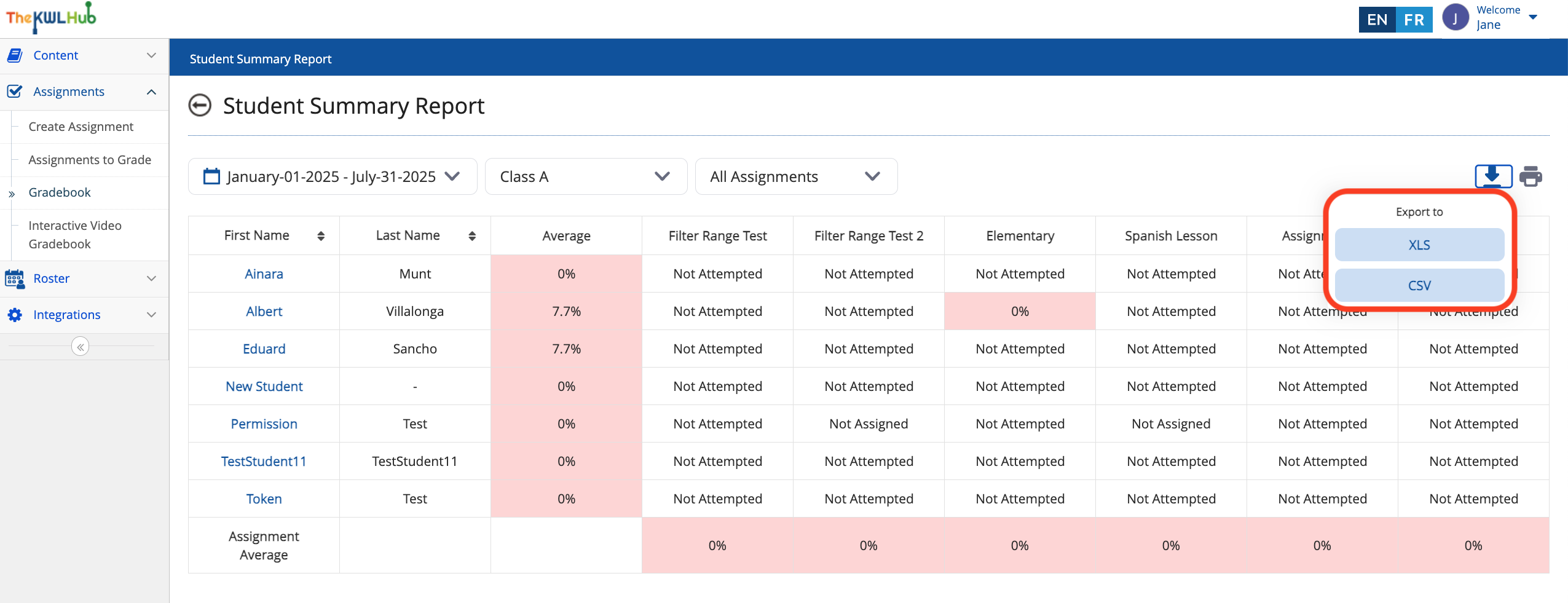
Improvements to the Gradebook Exporting Process
Previously, assignment exports were limited only to the data visible per page in the Gradebook. Now, teachers can export up to 50 student grade records per class at the same time. Please note: If a class has more than 50 students, records will need to be downloaded page by page.
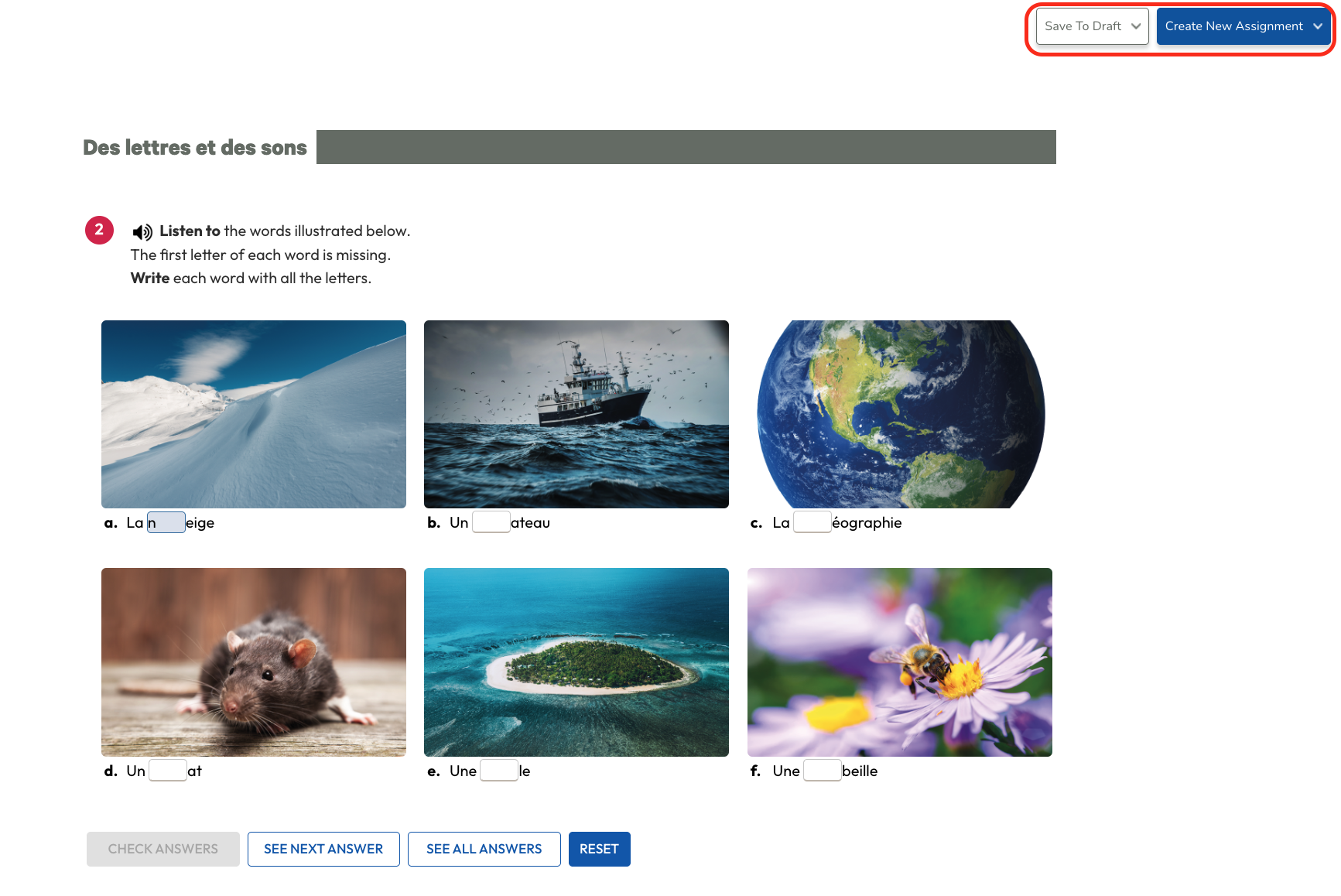
Create an Assignment from within Interactive Materials
In addition to the current assignment creation process, teachers can now also create assignments directly from within the interactive versions of the textbook and/or workbook. How to use this feature: STEP 1 Within the interactive textbook or workbook, navigate to the activity you want to assign. Then, select “Create New Assignment.” STEP 2 After
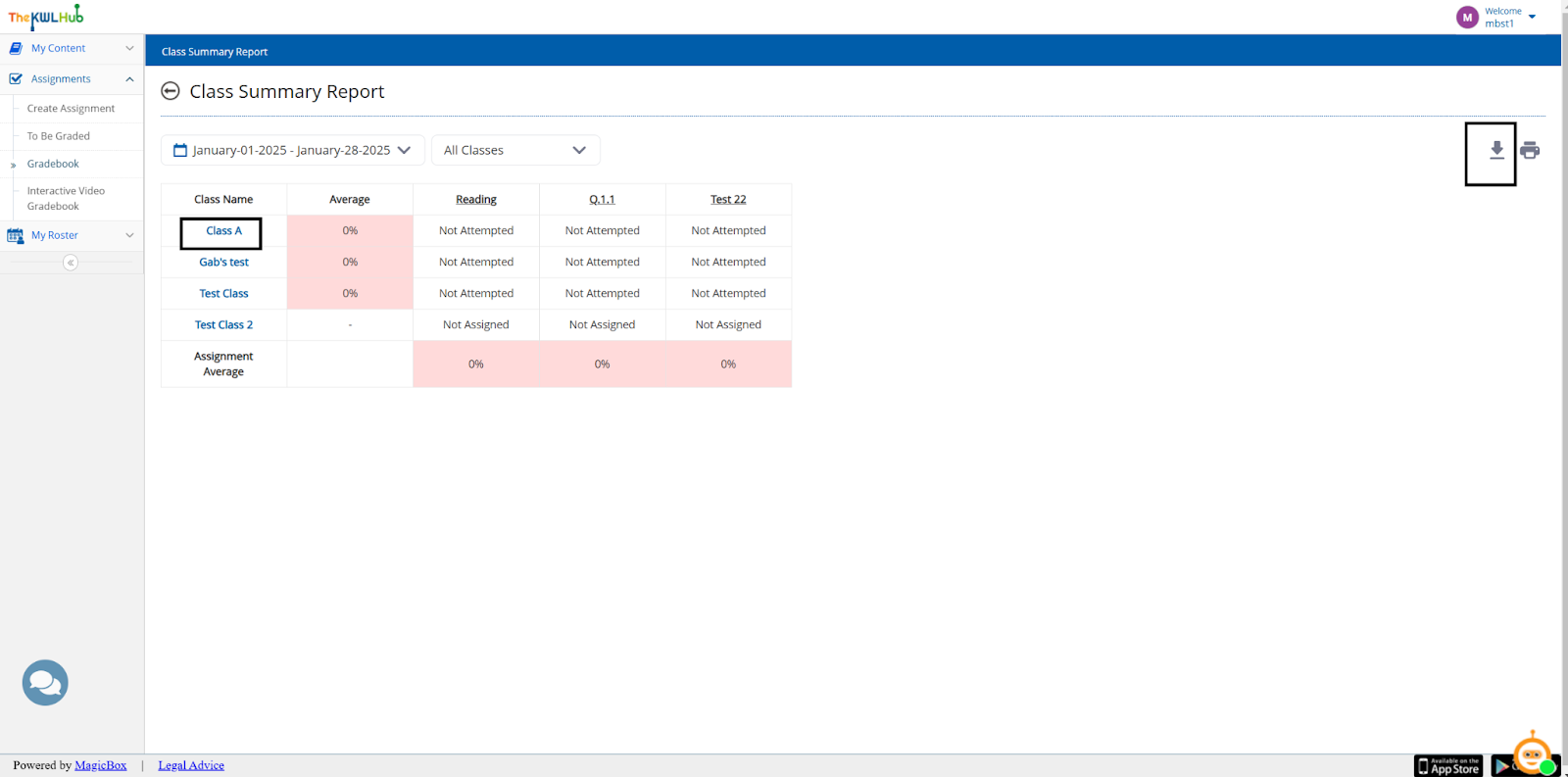
Gradebook Improvements
We have added new features and modified existing features to the Gradebook for an enhanced user experience. Gradebook Assignment Preview Change to “Not attempted” / “Not assigned” when CSV or Excel files are exported Gradebook Assignment Preview This feature allows the teacher to preview the assessment that was given to the student
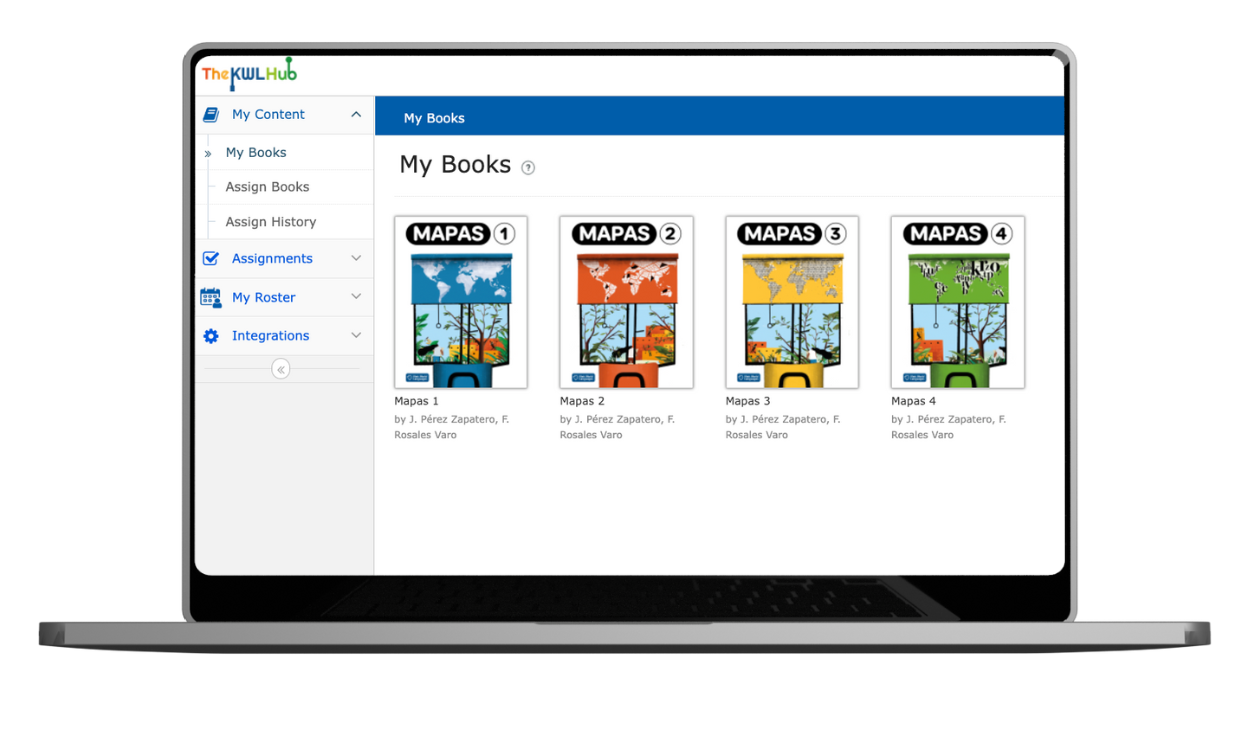
Simplified Navigation and Structure
We have modified the user interface in various places to make it simpler and easier to use. Modifications include: Upon log in, users will be taken directly to the “My Books” screen for easier access. Groups have been moved to the “My Roster” section in the submenu. Archived users have been moved to the “My […]
Deep Link Feature
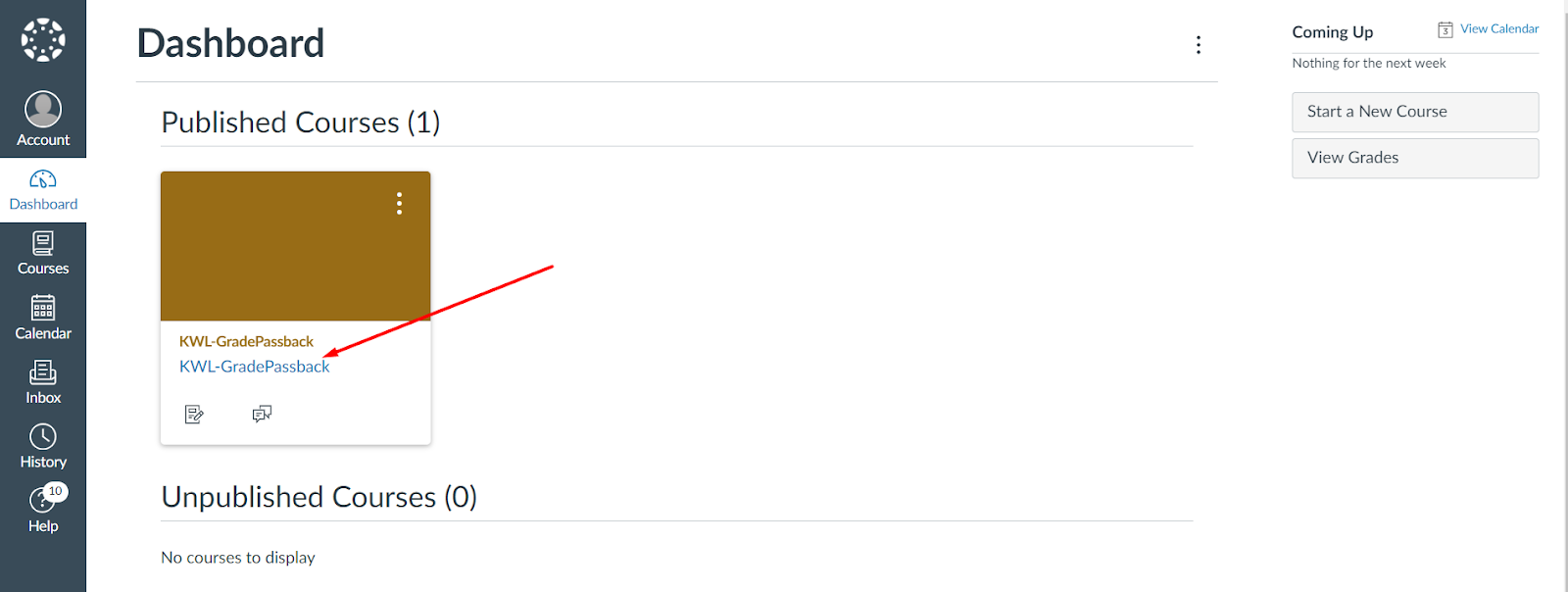
LTI 1.3 Deep Linking allows teachers to easily integrate educational materials from The KWL Hub into their LMS courses (learning management system). This means that they can select and add the content they need directly without having to leave the LMS, making everything accessible in one place and easier to use for both teachers and […]